Drevo Library Overview: A Tour of All the Powerful Components and Plugins Built for Webstudio
Discover the Drevo Library: powerful, no-code components and plugins built specifically for Webstudio projects. Add advanced functionality and stunning visual effects
Unlock the full potential of your Webstudio projects with a suite of powerful, no-code components and plugins. Designed specifically for the Webstudio platform, these tools allow you to add advanced functionality and stunning visual effects to your site with unparalleled ease. Elevate your web design from a simple page to an interactive, professional experience that captivates your audience.
Components
CMS Slider
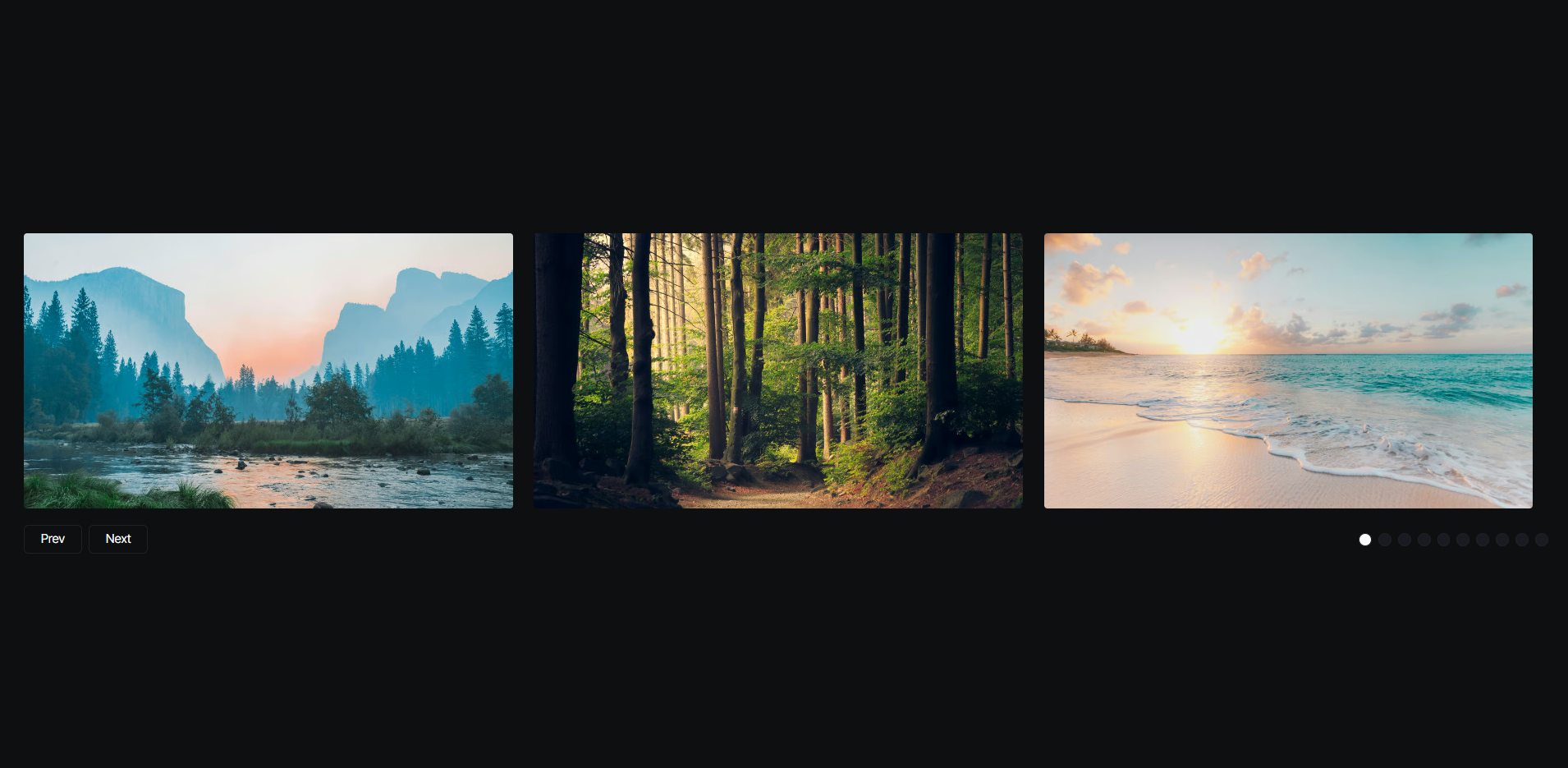
Add a fully responsive and customizable content slider to your Webstudio site. This component is perfect for showcasing testimonials, products, or any featured content from your Webstudio CMS. You can tailor its behavior with options for infinite looping, slide alignment, momentum-based scrolling, and an autoplay feature with a definable interval, all without writing a single line of code.
CMS Tabs
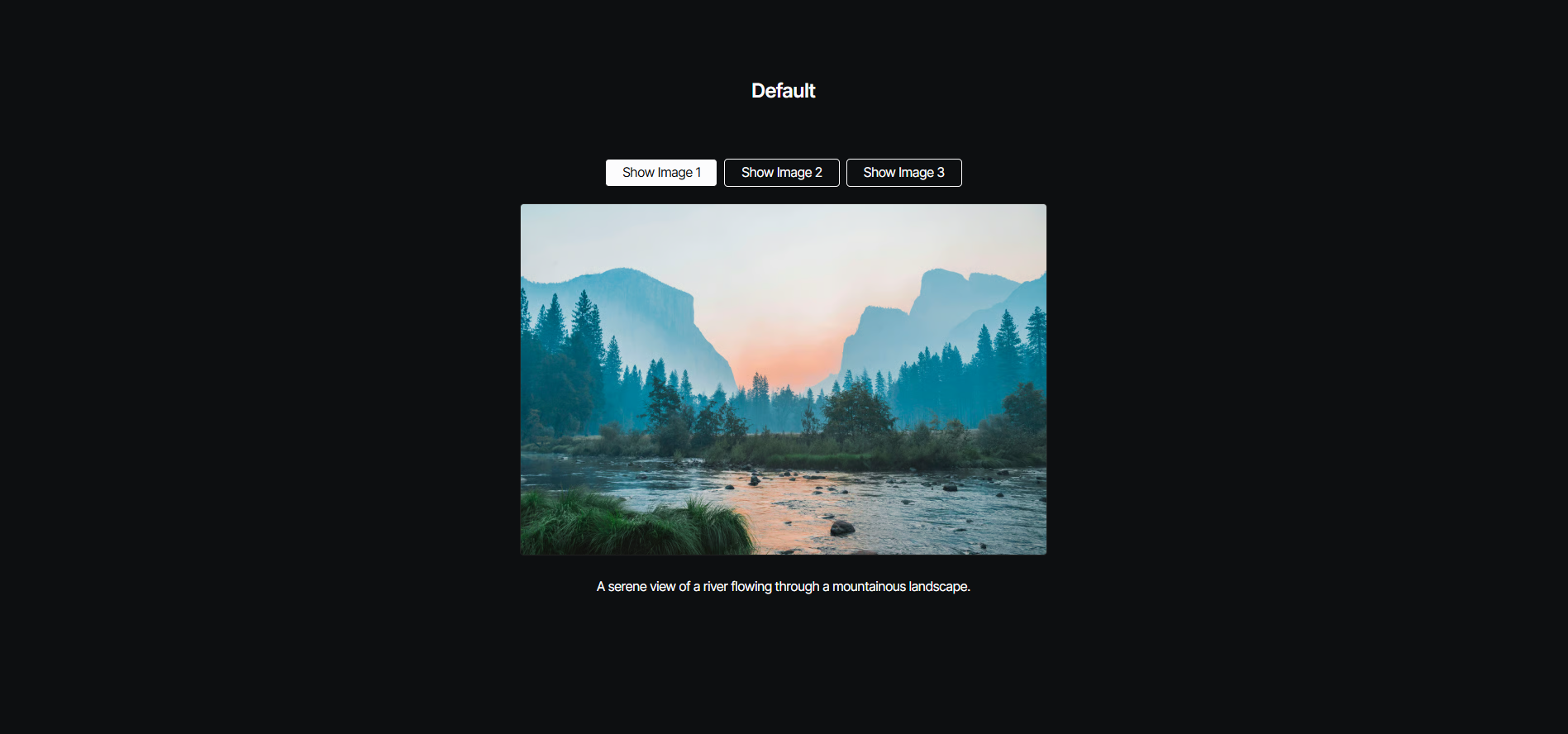
Efficiently organize and display content on your Webstudio pages with these responsive and customizable tabs. This component allows you to structure information neatly, providing a clean user experience. It includes powerful features like an autoplay function to cycle through tabs, with settings to control the delay and restart behavior after a user interacts with the content.
Comparison Slider
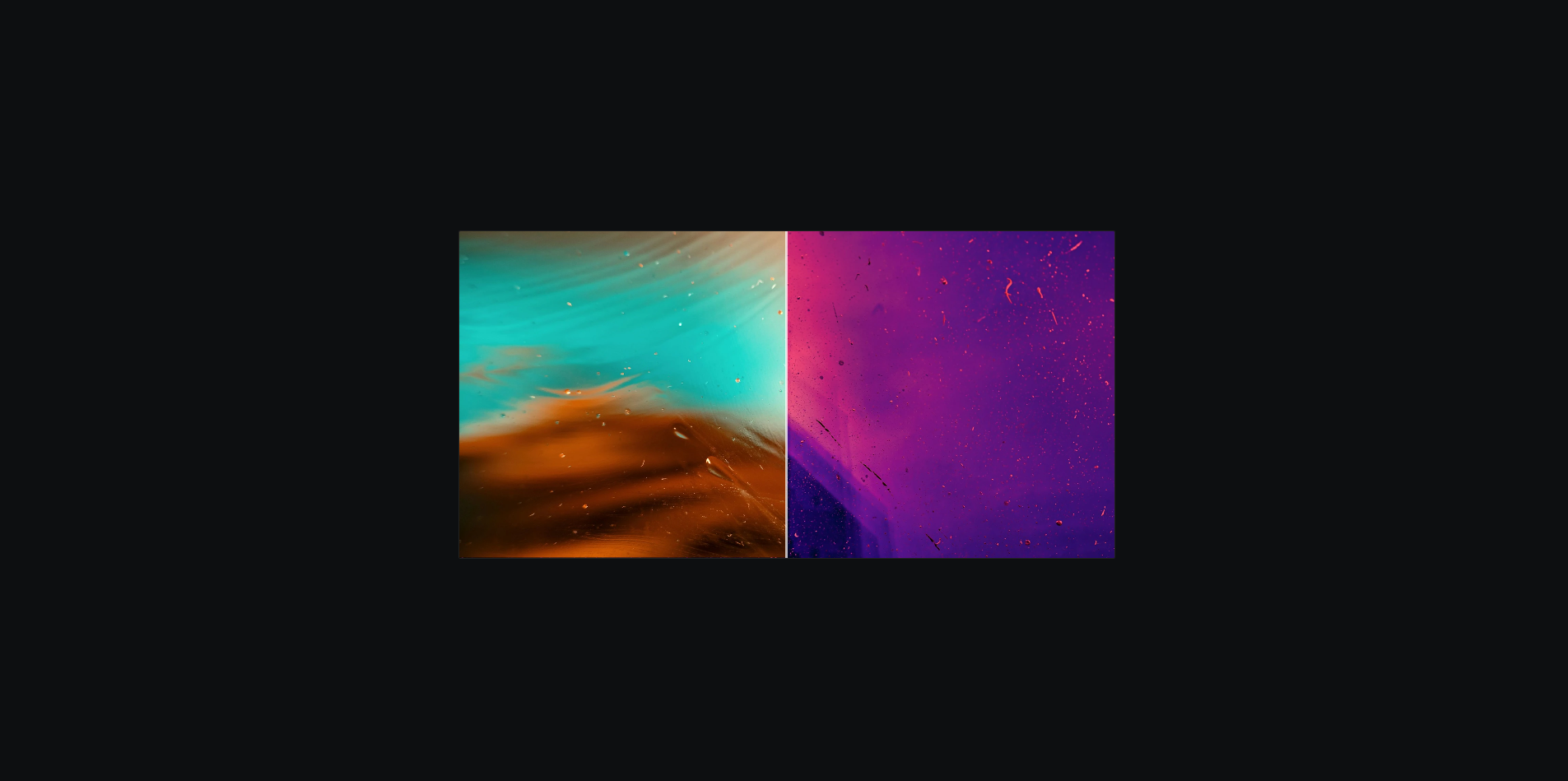
Create a stunning visual comparison with this interactive before-and-after image slider. It offers smooth dragging functionality that works seamlessly with both mouse and touch interactions, making it ideal for showcasing redesigns, photo edits, or product features directly on your Webstudio site.
Confetti
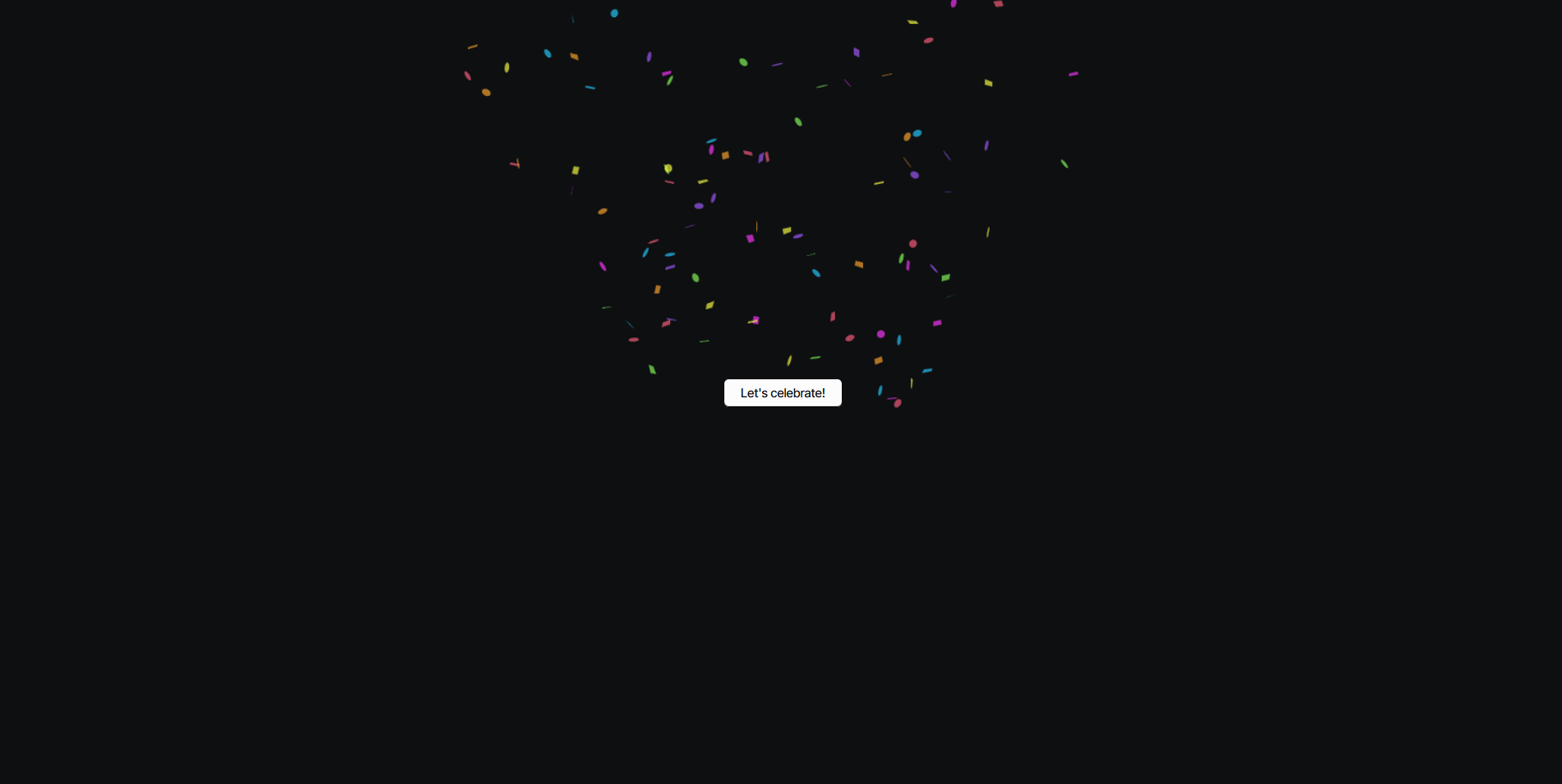
Add a touch of celebration to your site with festive confetti animations. You can trigger the effect on a button click or when an element scrolls into view. Customization is simple, allowing you to control the number of confetti particles, the spread angle, and the origin point of the burst for a truly custom feel.
Copy to Clipboard

Easily add "copy to clipboard" functionality to any element on your website. This is perfect for sharing code snippets, discount codes, or any text. You can designate a trigger button and a target text element, and even set up optional success and error messages to provide clear feedback to the user, enhancing the usability of your Webstudio project.
Countdown

Build anticipation for an event or launch with a dynamic countdown timer. This component displays the time remaining until a specific date and time you set. It's highly flexible, allowing you to specify the target date, time, and timezone, and choose which units to display, such as days, hours, minutes, and seconds.
Counting To
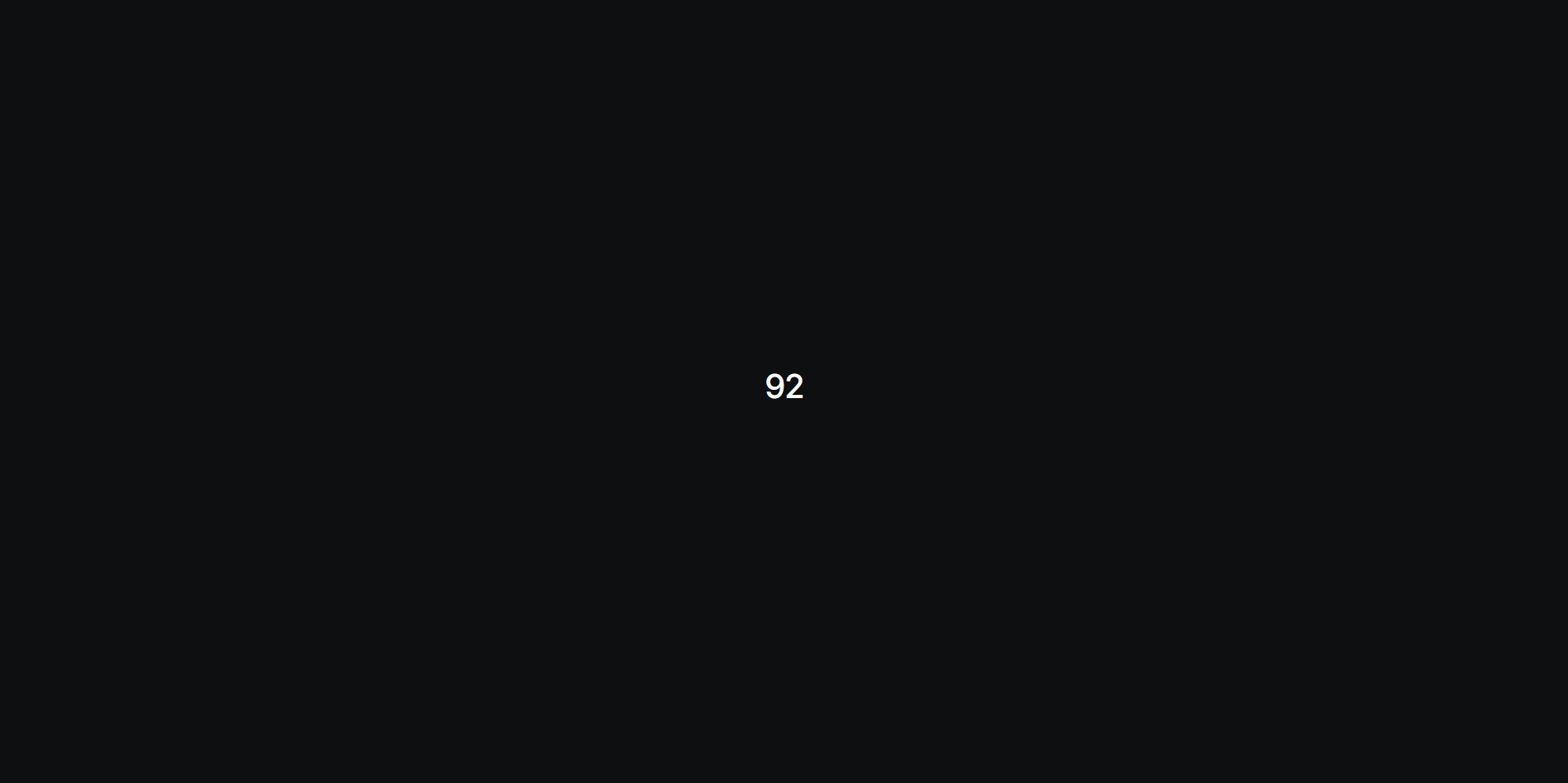
Bring your statistics to life with animated counting numbers. This component can count up or down to a target value, triggering either on page load or when the element becomes visible in the viewport. You can easily control the animation's duration and easing to create the perfect effect for your data visualizations in Webstudio.
Current Date and Time
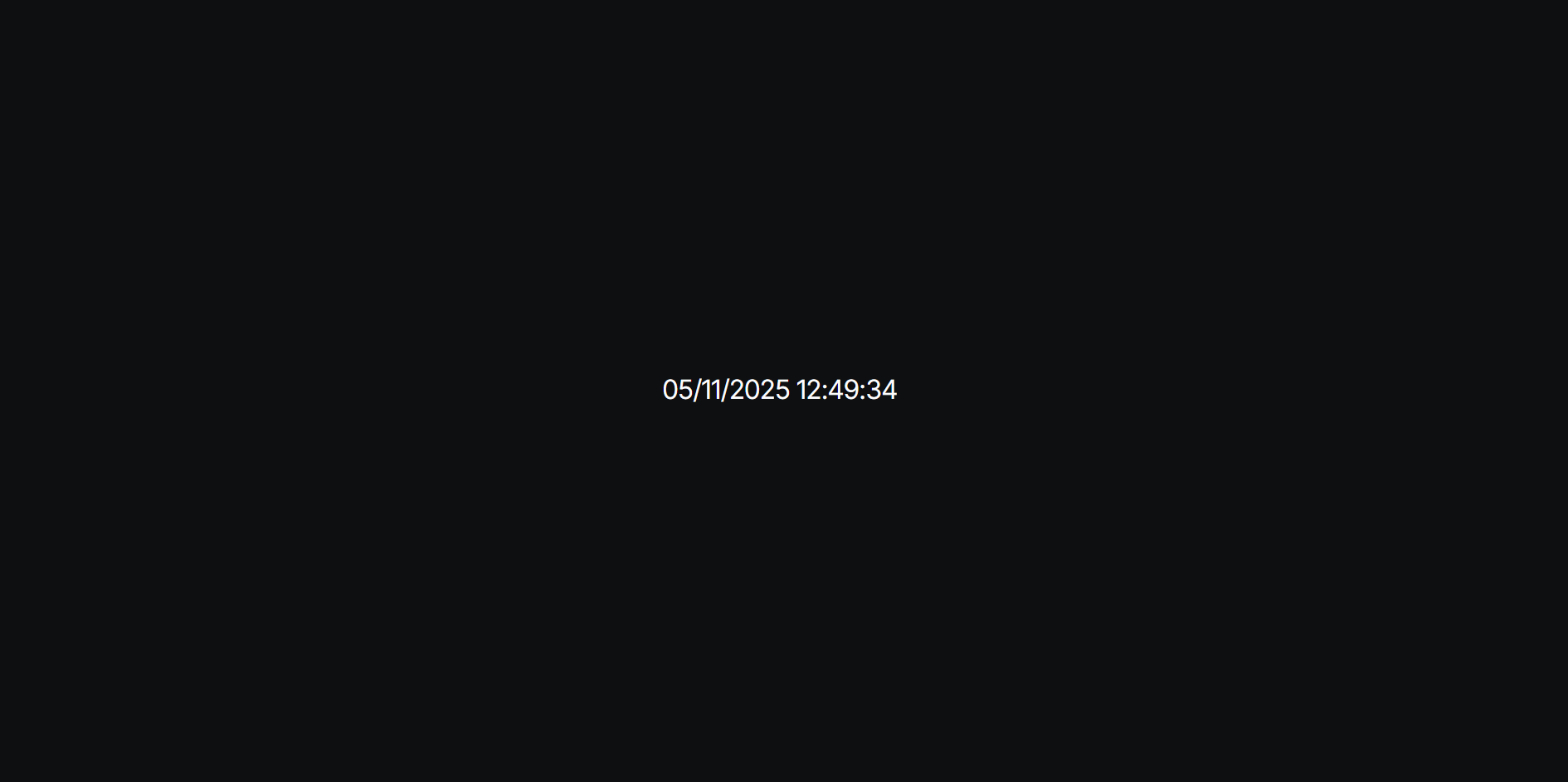
Add a live date and time display to your website. This is a great utility for sites where time is relevant. It offers extensive customization for the date and time format and includes timezone adjustments to display the correct time for your audience, all configured within Webstudio.
Lightbox Gallery
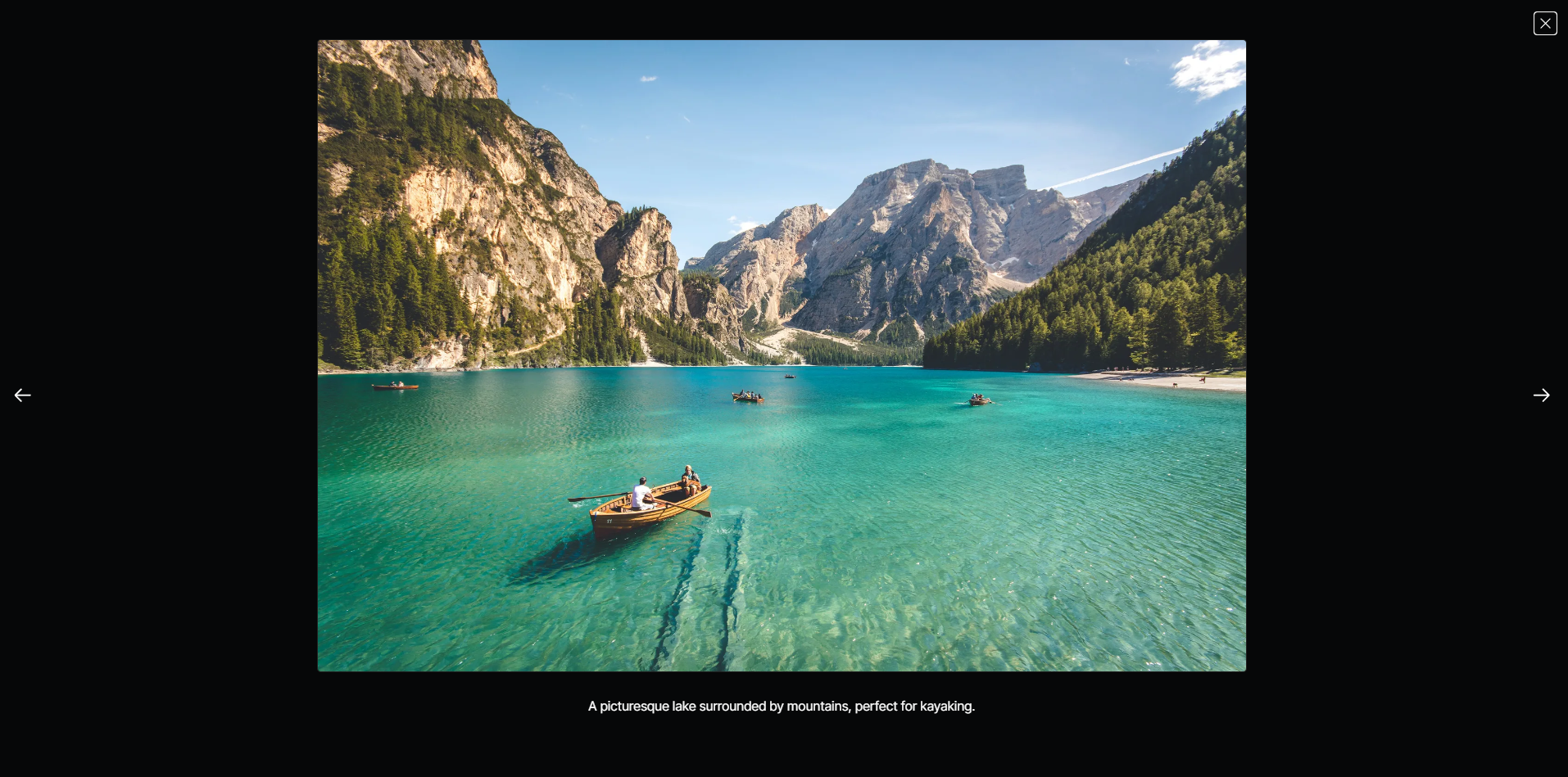
Showcase your images in a beautiful, responsive gallery with lightbox functionality. When a visitor clicks an image, it opens in a full-screen overlay with easy-to-use navigation controls. The gallery supports keyboard navigation and is designed to be fully accessible, offering a professional portfolio experience.
Light Dark Theme Toggle

Implement a customizable light-dark theme toggle on your Webstudio site. By default, it respects the user's system preference and saves their choice for future visits. It’s perfect for improving user experience and accessibility, allowing visitors to browse your site in their preferred mode.
Lottie Player
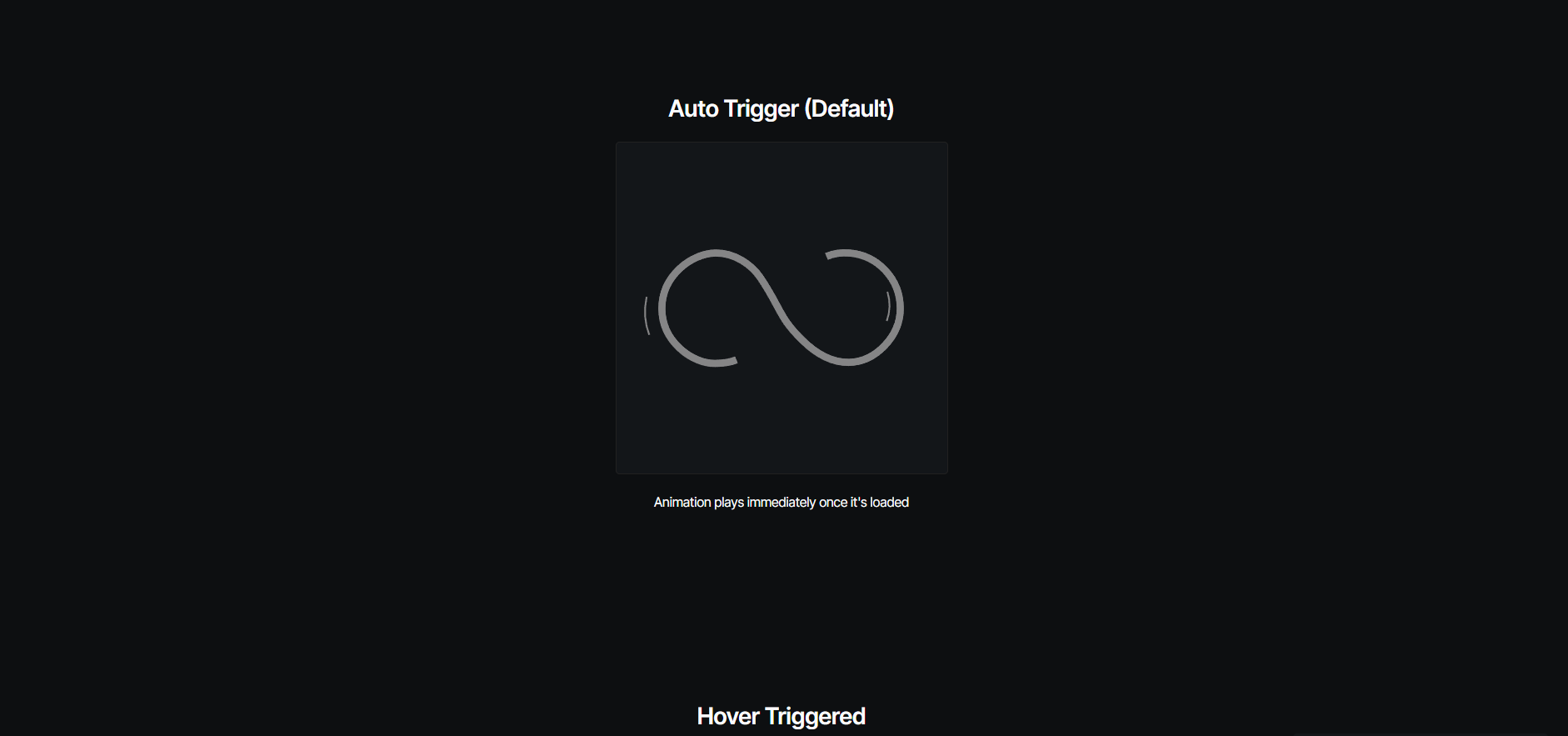
Effortlessly integrate and control high-quality Lottie animations in Webstudio. This component allows you to trigger animations based on user interactions like scrolling, hovering, or clicking. You have full control over playback options, including speed, direction, and loop counts to bring complex animations to your site.
Marquee
Create a seamless, infinitely scrolling marquee animation for any type of content on your website. This lightweight component is fully customizable through simple HTML attributes. You can control the scrolling direction and duration, and even link the animation progress to the page's scroll position for a dynamic, interactive effect.
Masonry Grid
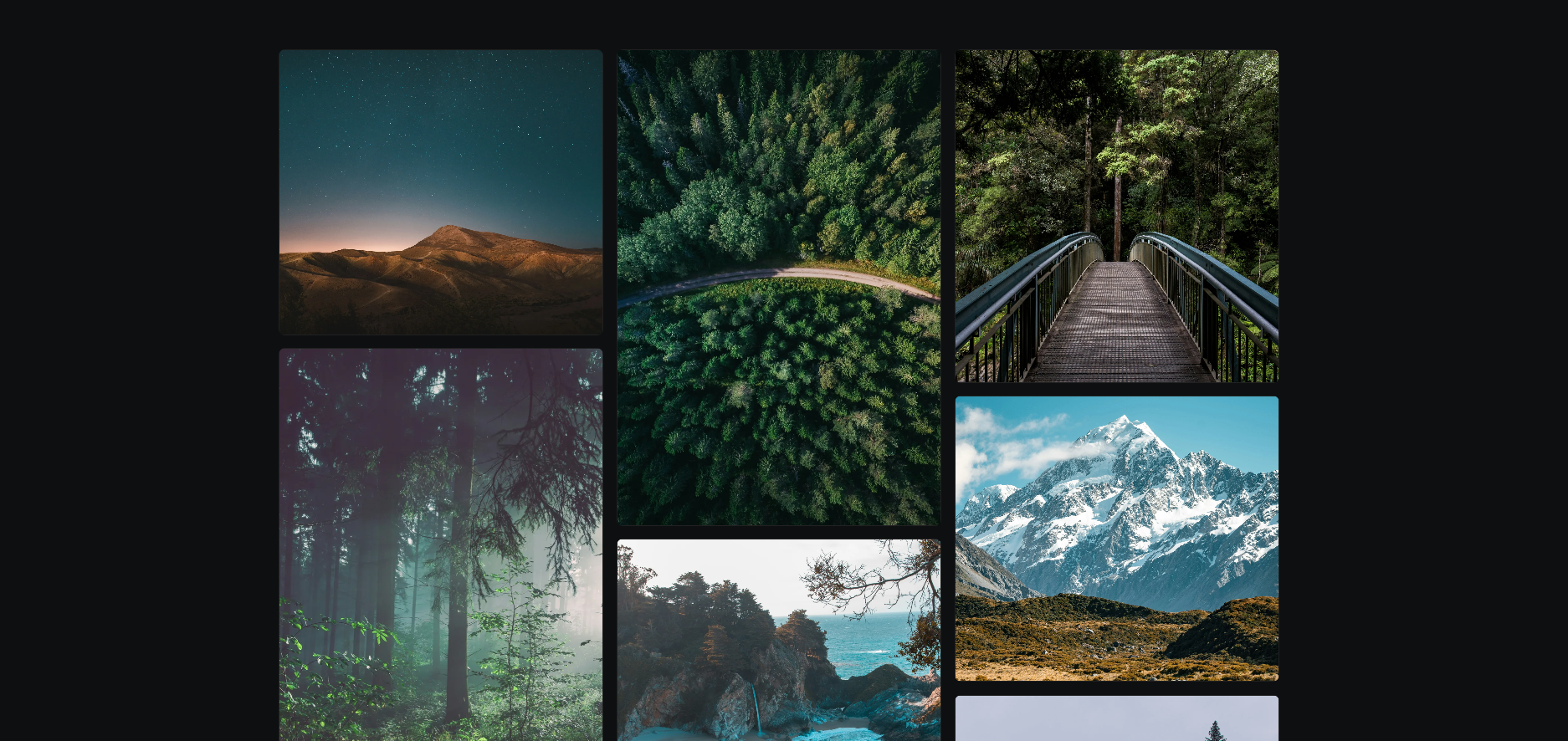
Design visually interesting and balanced layouts with a dynamic and responsive masonry grid. This component automatically adapts to different screen sizes and handles dynamically loaded content, ensuring your layout always looks perfect. You can define various height patterns for grid items to create unique, engaging designs within Webstudio.
Scramble Text
Add a captivating text scramble animation to your website. This effect can be triggered by hovering, clicking, or when an element comes into view. You can customize the duration, character sets, and apply the effect to single or multiple sentences for a futuristic and engaging text reveal.
Text Weight Hover
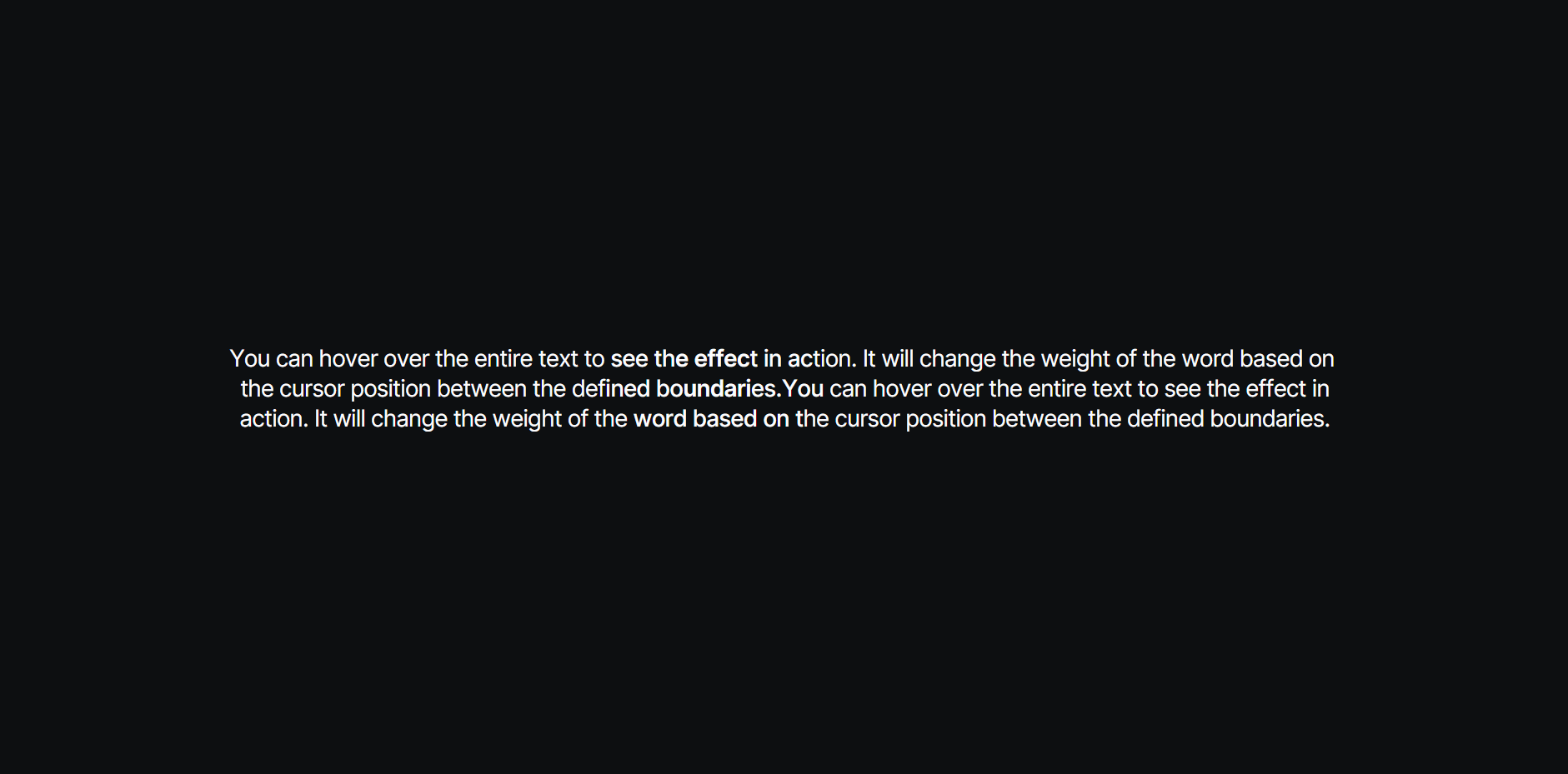
Add a stunning, interactive text effect that dynamically changes font weight as users hover over text, creating an engaging magnetic-like interaction. As the cursor moves, the font weight of individual characters changes based on their proximity to the cursor. This component works best with variable fonts for the smoothest transitions and is perfect for making headings and short text blocks on your Webstudio site stand out.
Typewriter Text

Add a dynamic typewriter animation to your website's headings or paragraphs. This component animates text with customizable typing speeds, delays, and trigger options. It can cycle through multiple text variations, creating an engaging effect for introductions or featured messages.
Zoom Image
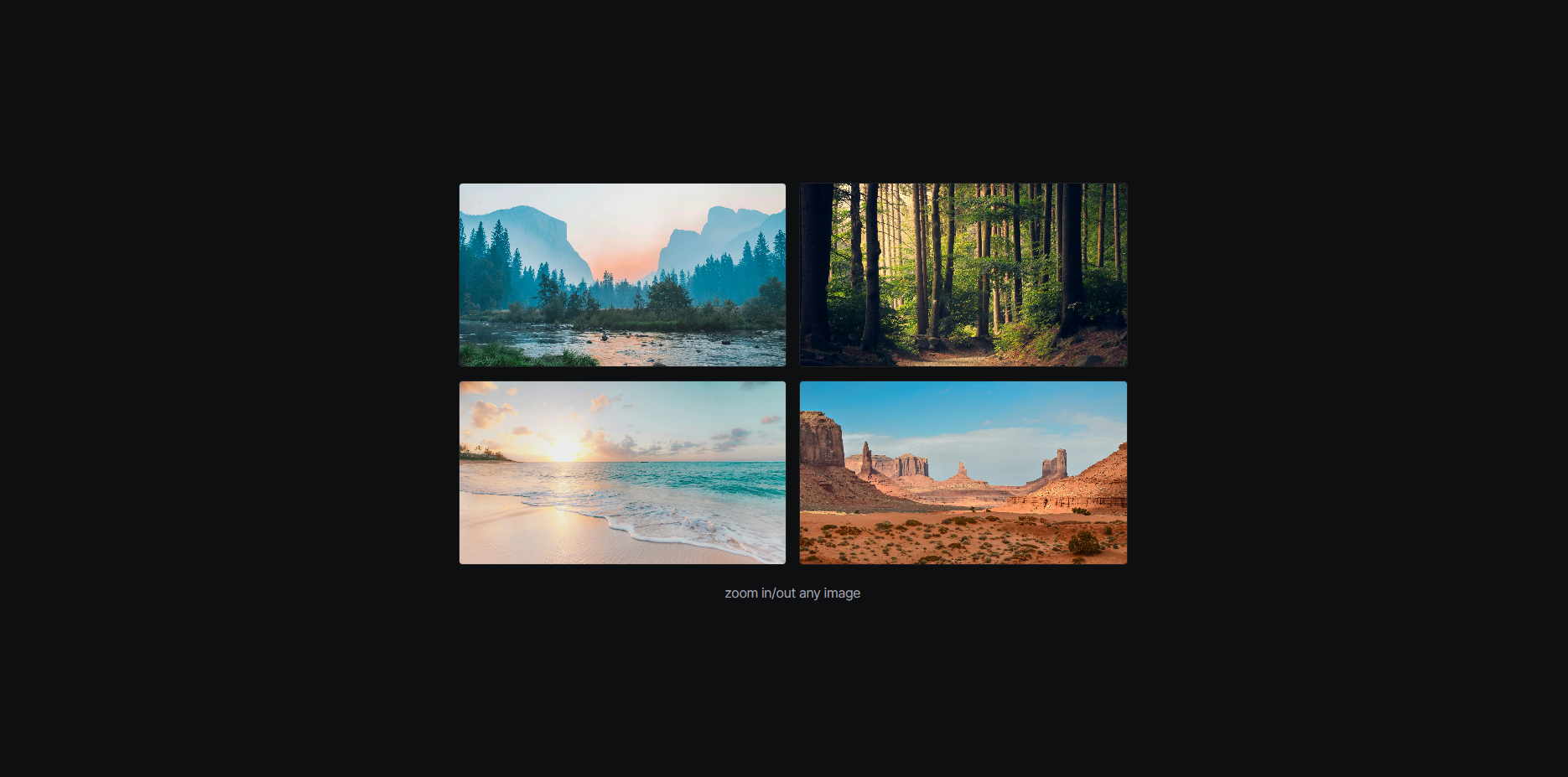
Enhance the user experience on your Webstudio site by adding click-to-zoom functionality to your images. This allows visitors to view your images in a full-screen, responsive overlay with an optimized display. The component is lightweight, prevents page scrolling while an image is zoomed, and works with individual images or containers with multiple images for a seamless, professional viewing experience.
Plugins
Filters
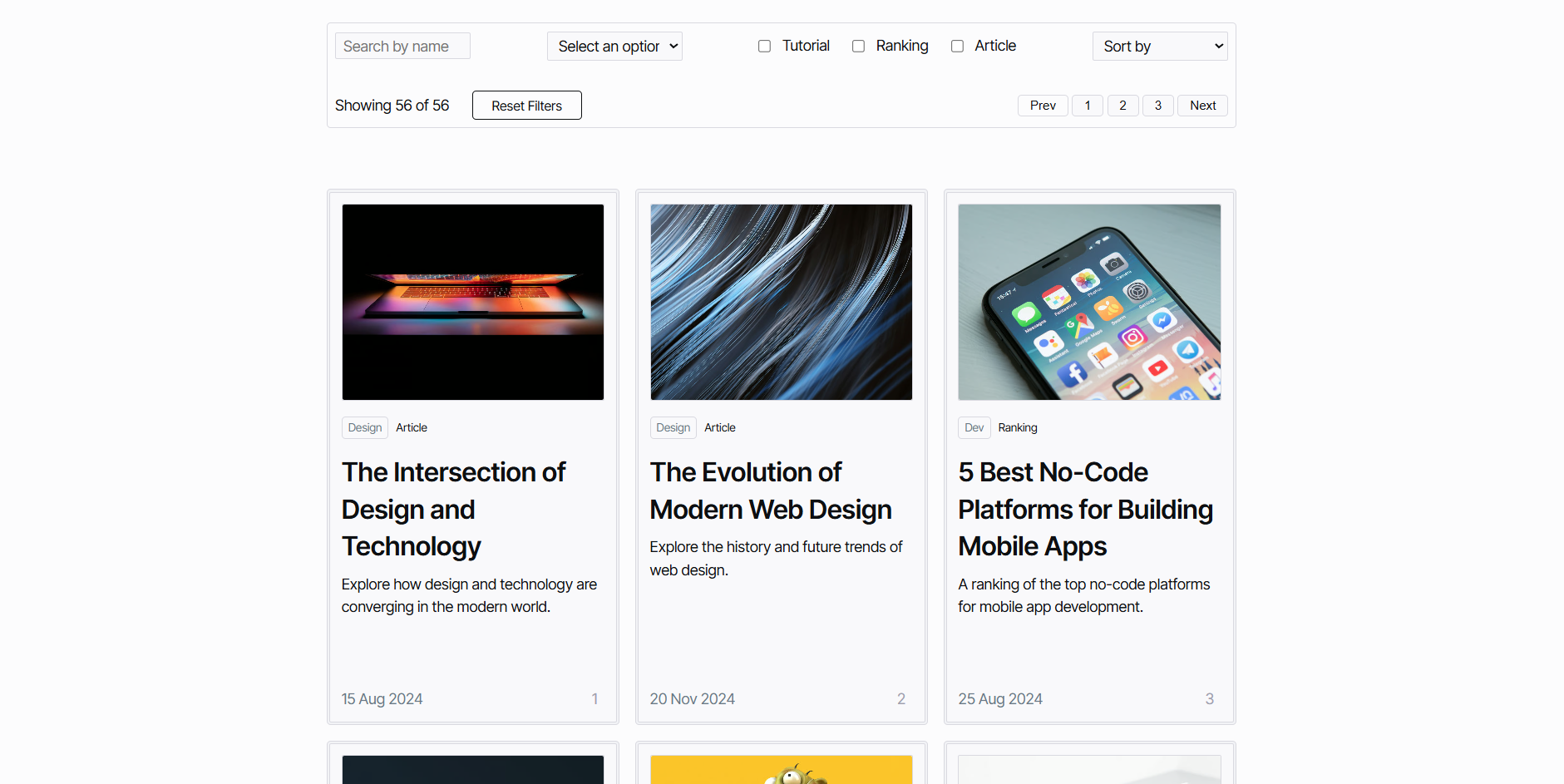
Implement a powerful, client-side filtering and sorting system for your Webstudio Collection items. This plugin allows users to interact with your content in real-time without page reloads. Key features include live search, dropdown and checkbox filters, customizable sorting options (alphabetical, date-based, etc.), and support for dynamic pagination or lazy loading.
Markdown Enhancer
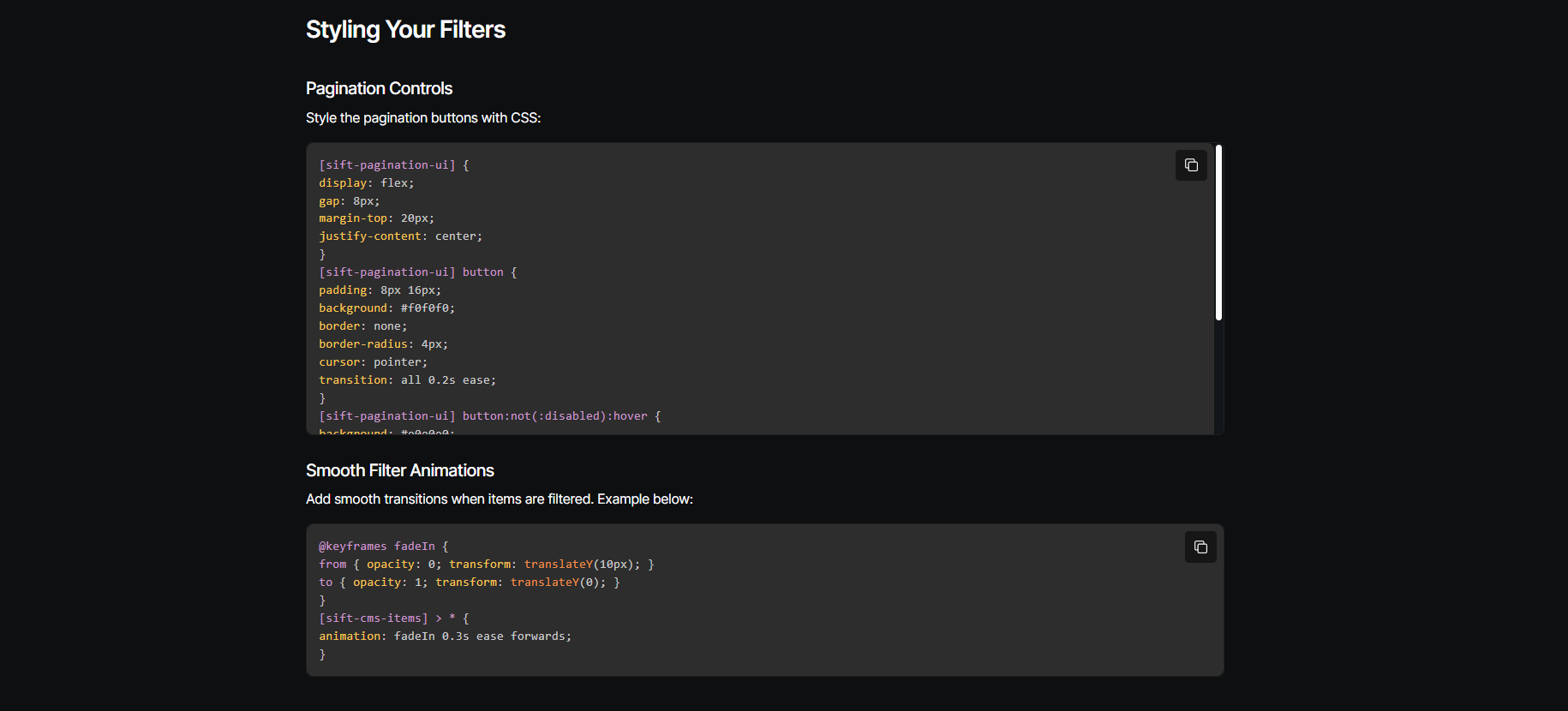
Supercharge standard markdown in Webstudio by transforming it into rich, interactive HTML. This plugin allows you to add any ID, class, or attribute to your markdown content, giving you full styling control. It also includes built-in functionalities like beautifully formatted, copyable code blocks with different themes.